Independent online catalog
HubBuyCN Spreadsheet
By CNBuyPicks Introduction & guidance updated
This date refers to the page’s explanatory content. Product prices, availability and photos need checking separately.
Browse Weidian product finds with purchase links formatted for HubBuyCN. Choose a category, search for a product and check listed prices and available photos before opening the agent website.
This is CNBuyPicks’ shared catalog, presented for HubBuyCN shoppers. It is independent of HubBuyCN; prices and purchase availability need confirmation on the agent website.
Browse HubBuyCN finds ↓Browse HubBuyCN finds by category
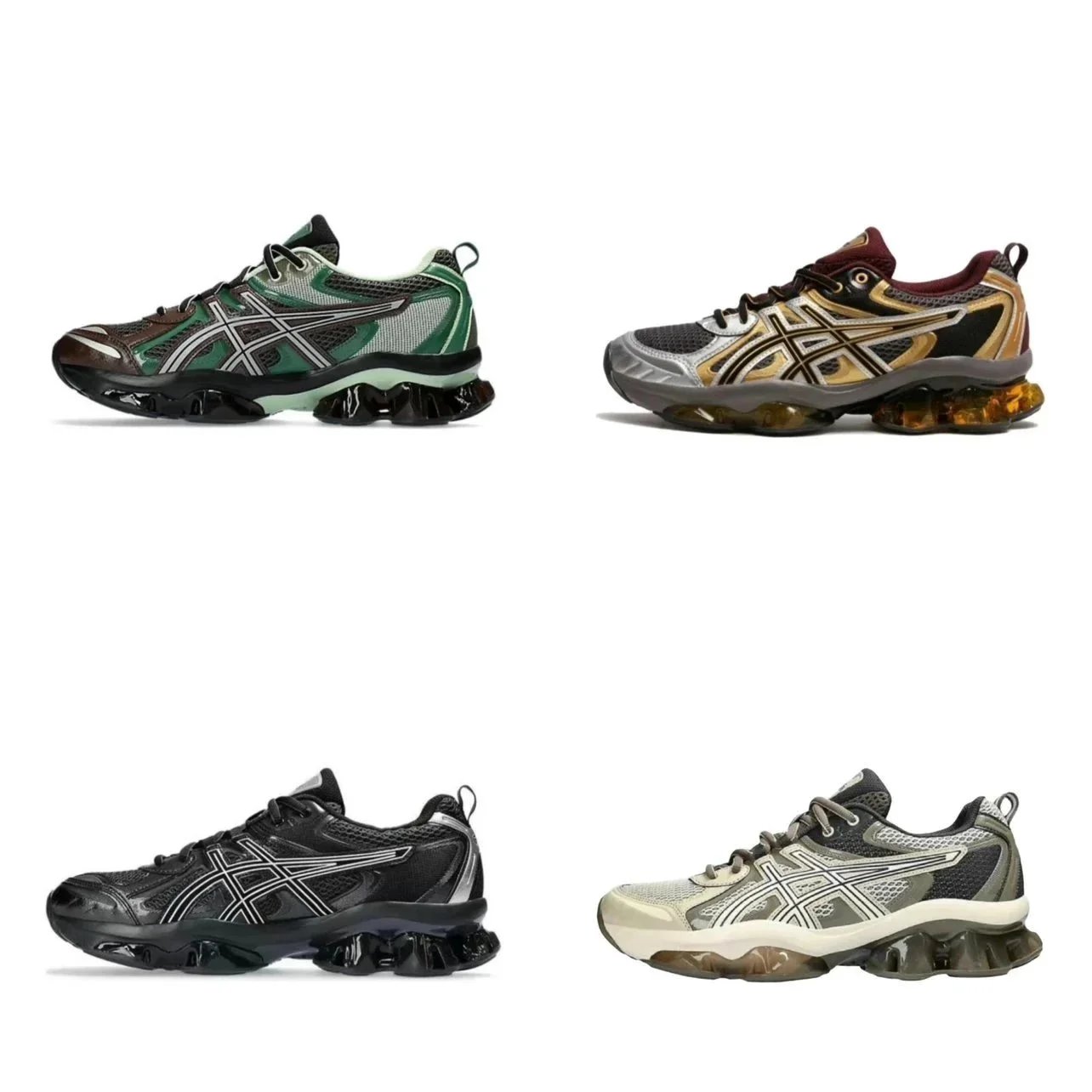
Shoes & Sneakers
1,450 finds
Hoodies & Sweaters
1,104 finds
T-Shirts & Tops
1,384 finds
Jackets & Outerwear
486 finds
Pants & Shorts
728 finds
Headwear & Beanies
176 finds
Tracksuits & Sets
450 finds
Underwear & Socks
51 finds
Jerseys & Sports Kits
299 finds
Accessories & Jewelry
288 finds
Bags & Backpacks
351 finds
Belts
91 finds
Perfumes & Scents
627 finds
Glasses & Sunglasses
246 finds
Other Stuff & Gadgets
249 finds
HubBuyCN product finds
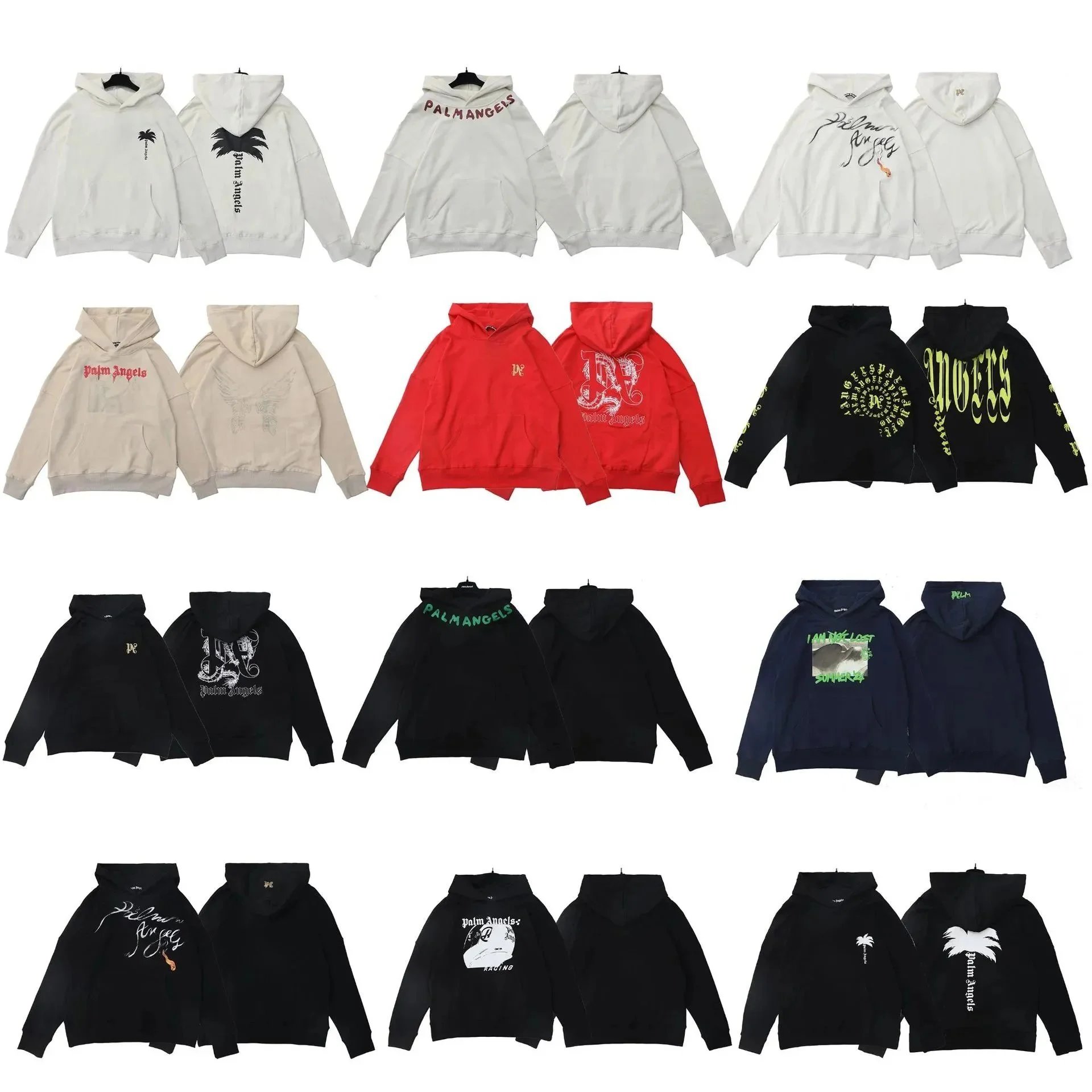 Palm Angels
 Palm Angels Palm Tree Logo Hoodie - White Oversized Fit

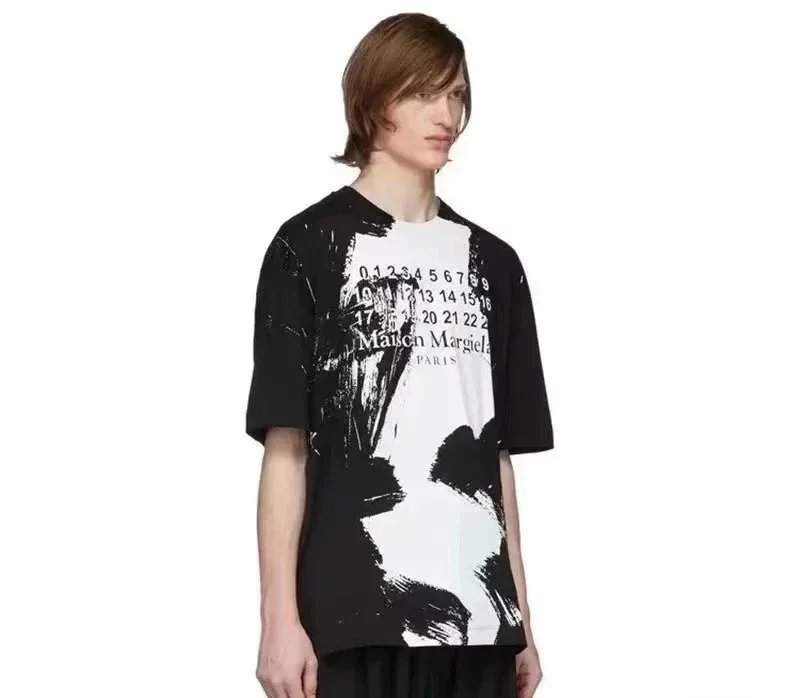
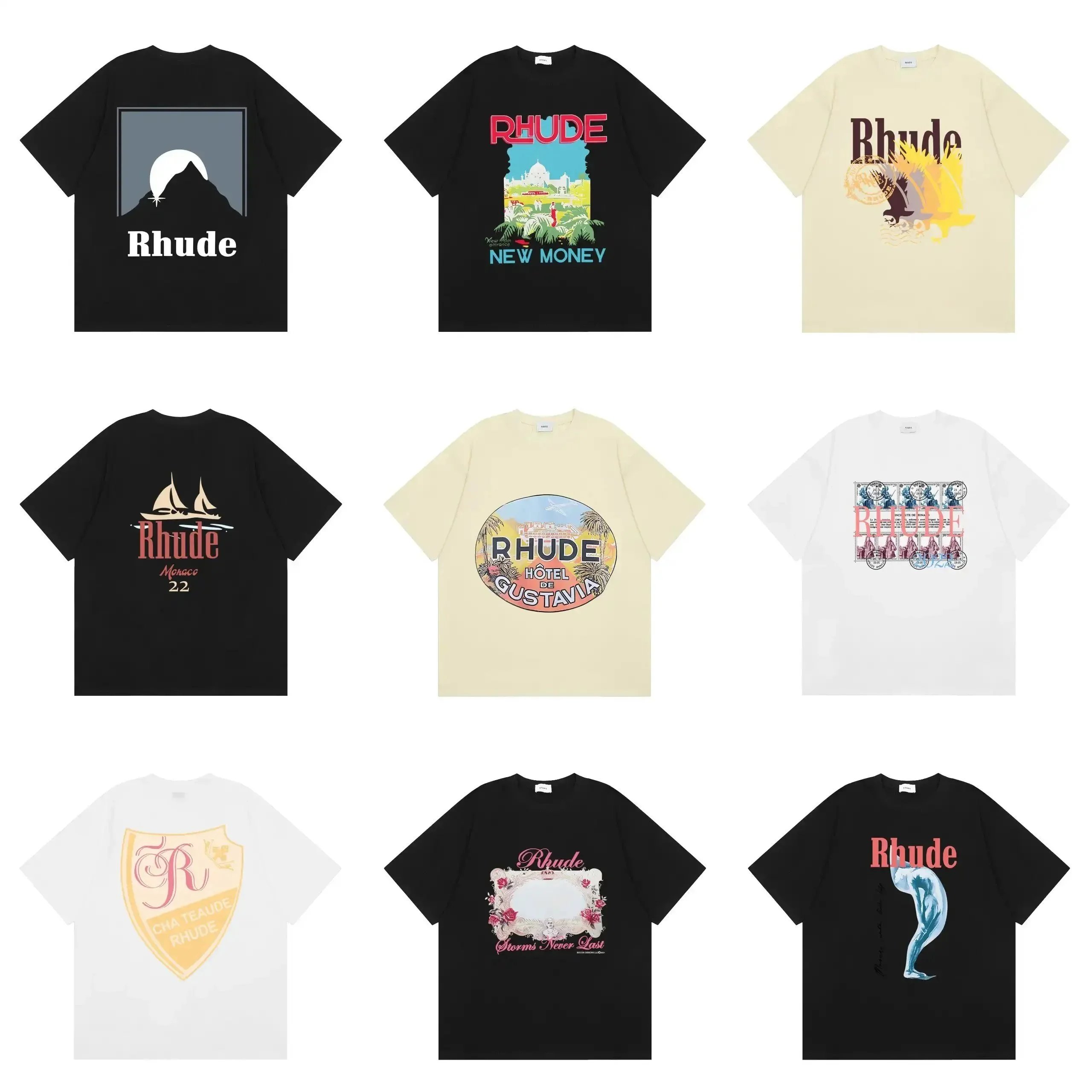 Rhude QC
 Rhude Mountain Moon Graphic T-Shirt Black
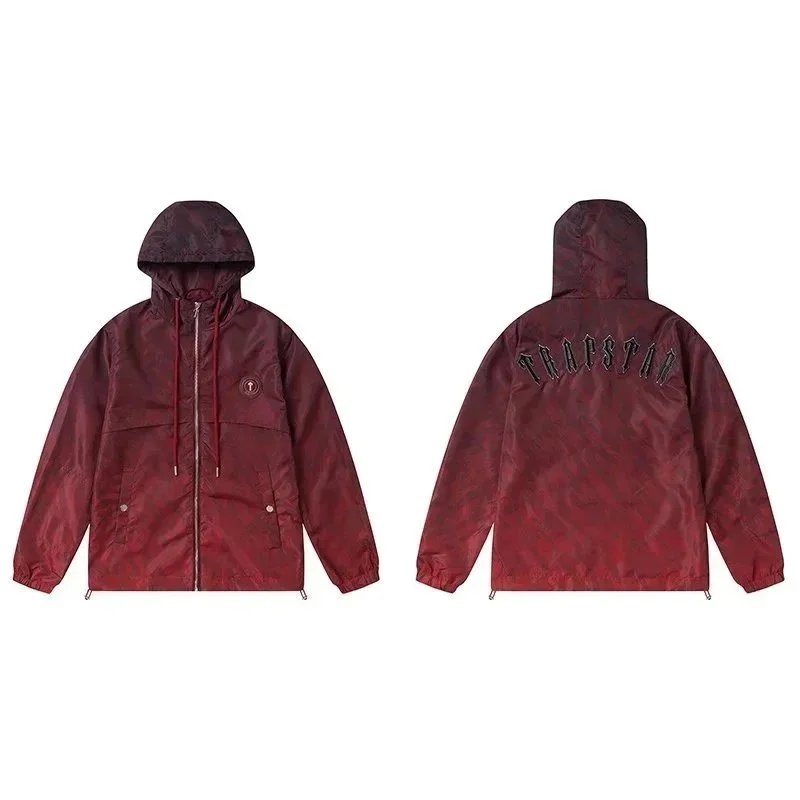 Trapstar QC
 Trapstar Hooded Windbreaker Jacket - Deep Red Camo Print
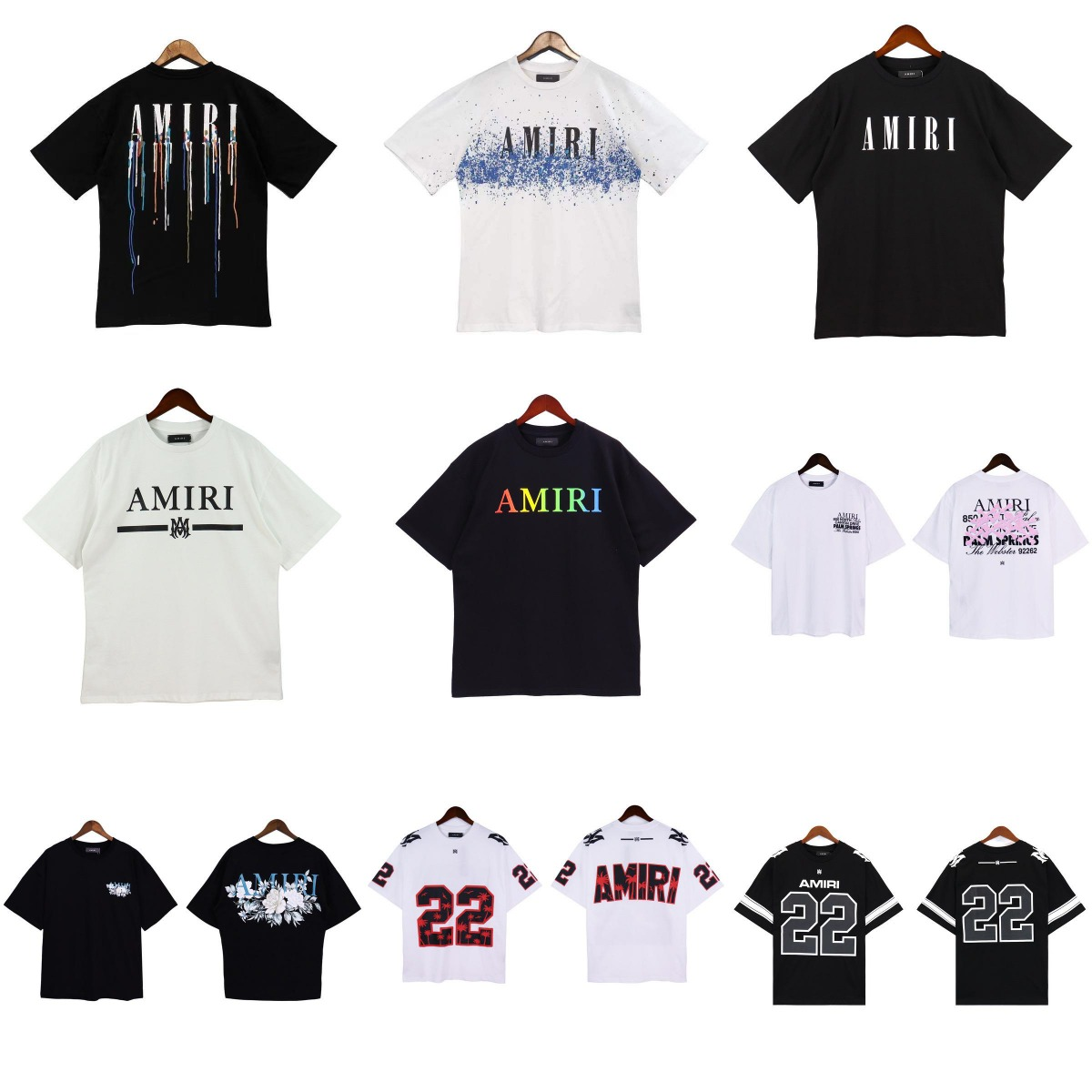 AMIRI
AMIRI AMIRI Dripping Paint Logo T-Shirt Black
 Moncler
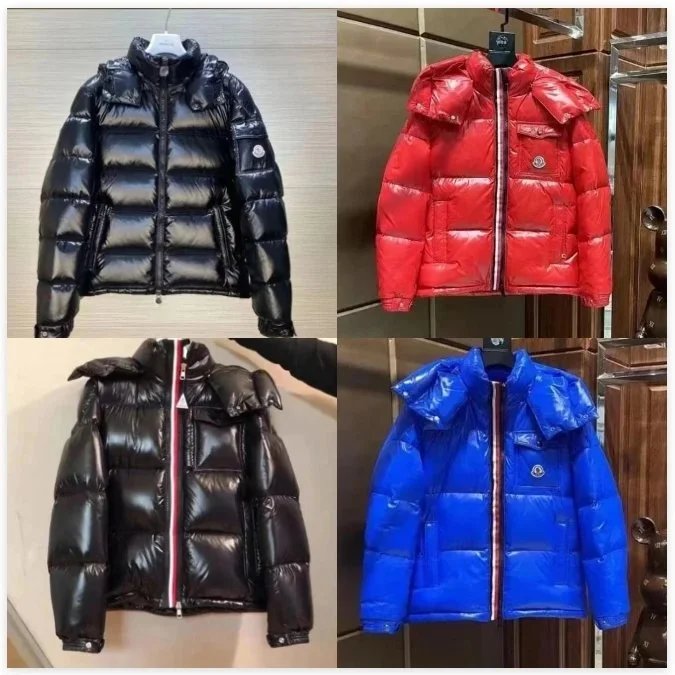
 Moncler Maya Puffer Jacket Glossy Black with Hood
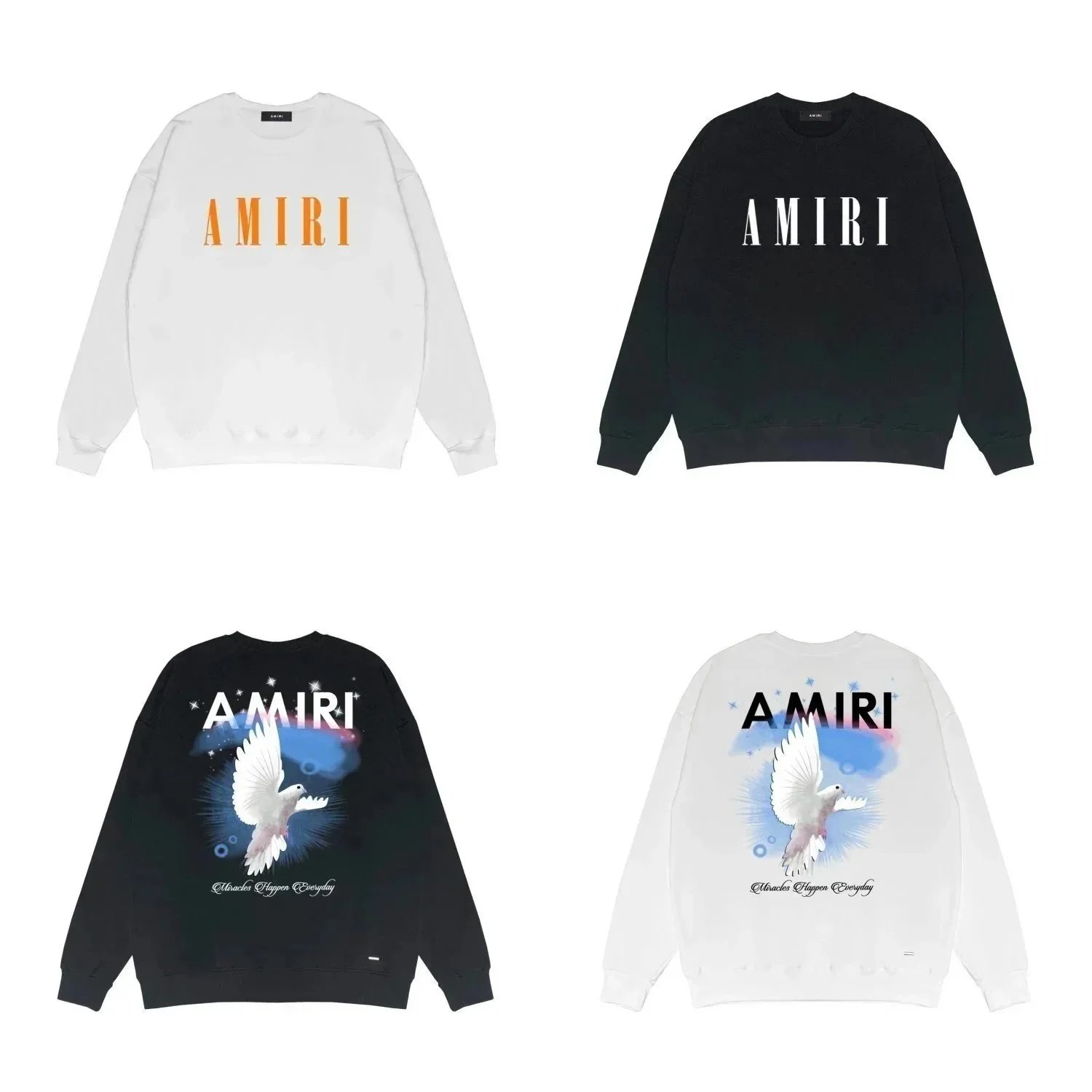 AMIRI
AMIRI AMIRI Dove Graphic Oversized Sweatshirt - Black/White
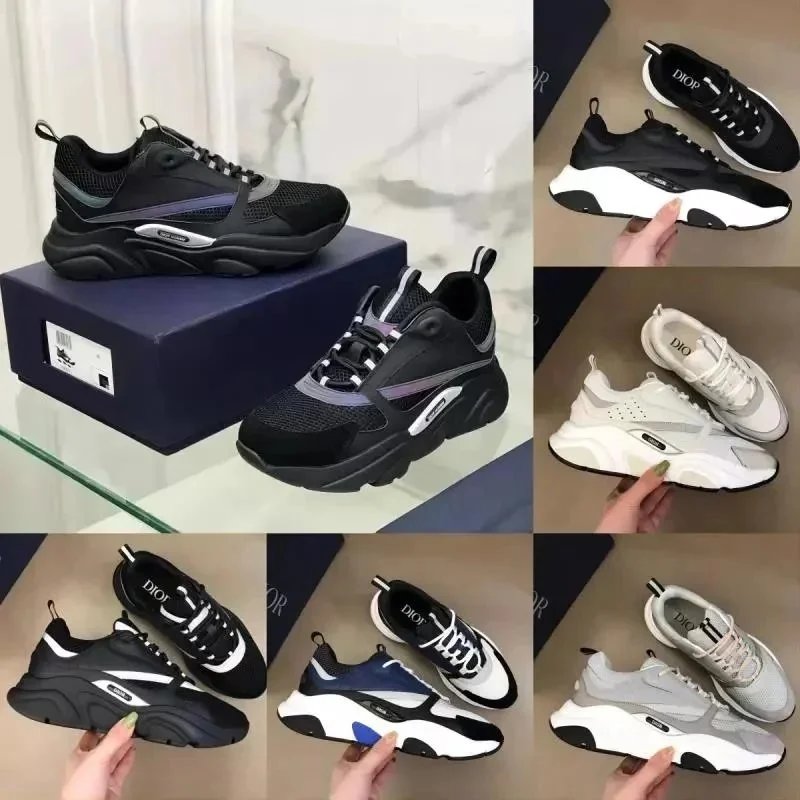 Dior QC
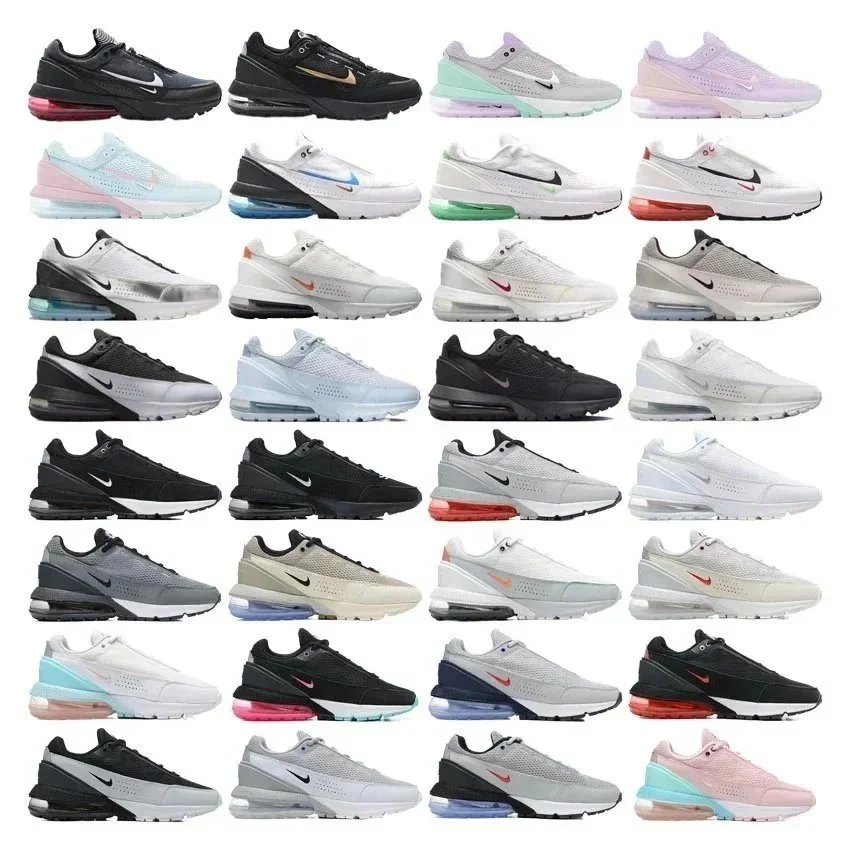
 Dior B23 Low-Top Mesh Sneaker Black Silver Chunky Sole
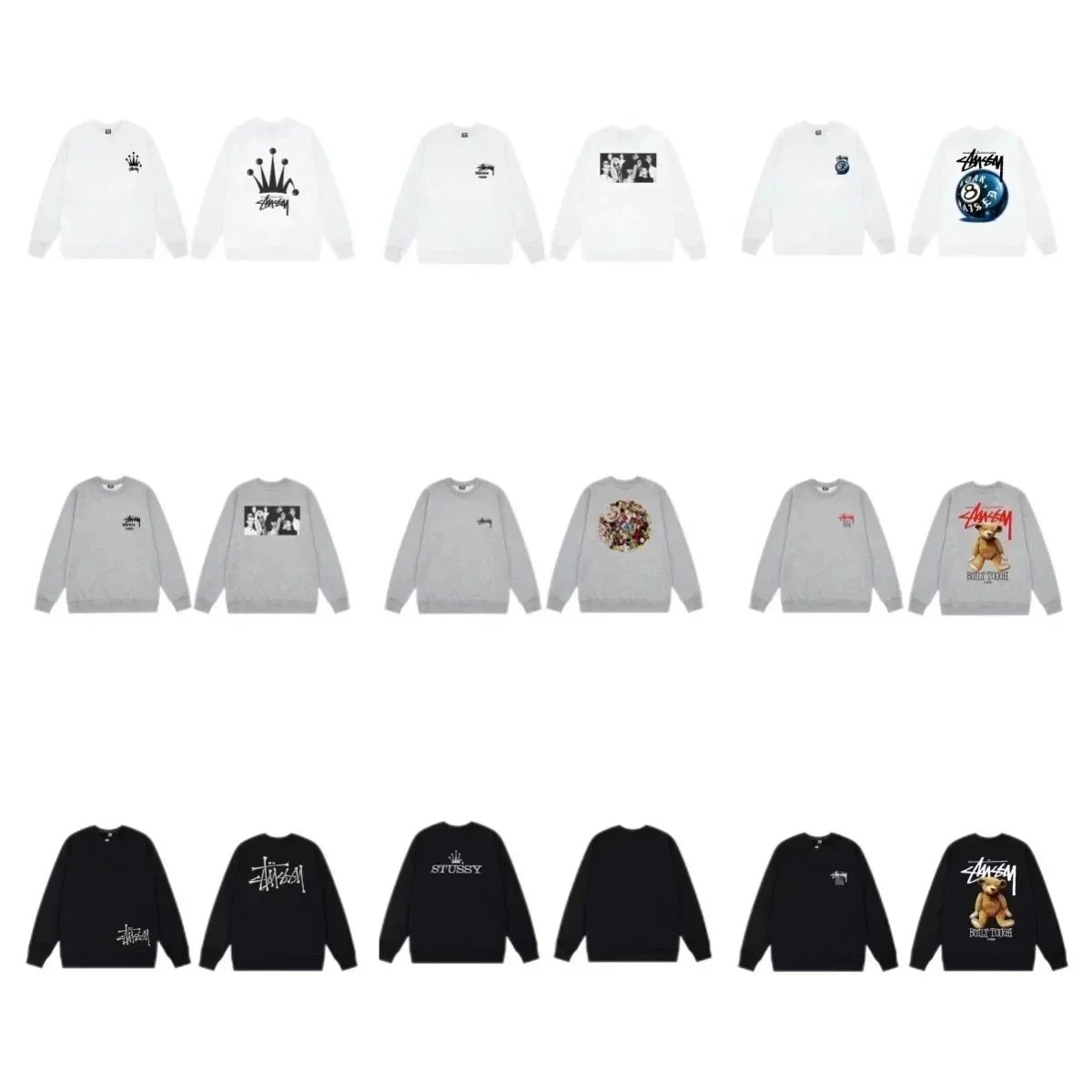 Stussy
 Stussy Crown Logo Crewneck Sweatshirt - White Black Grey
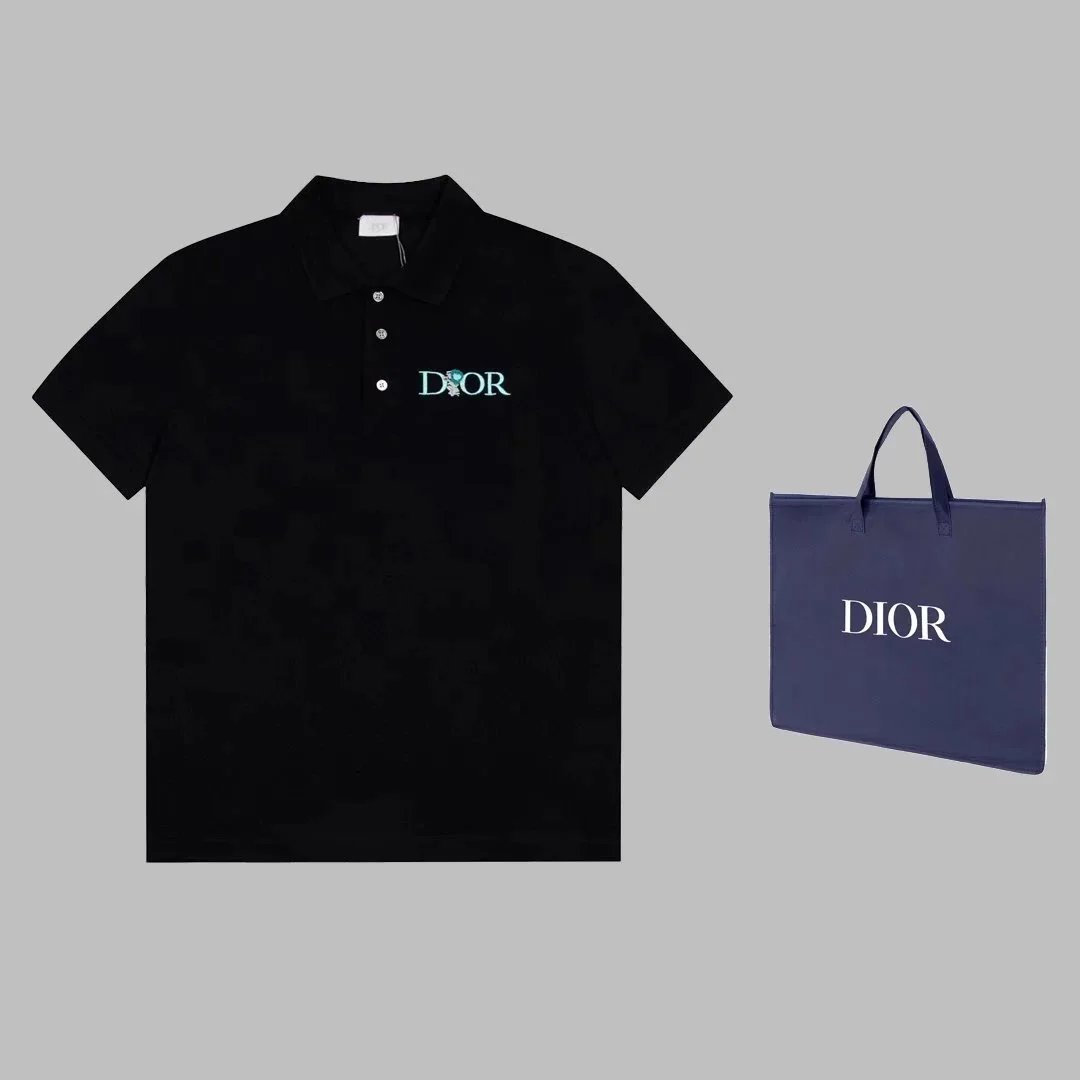
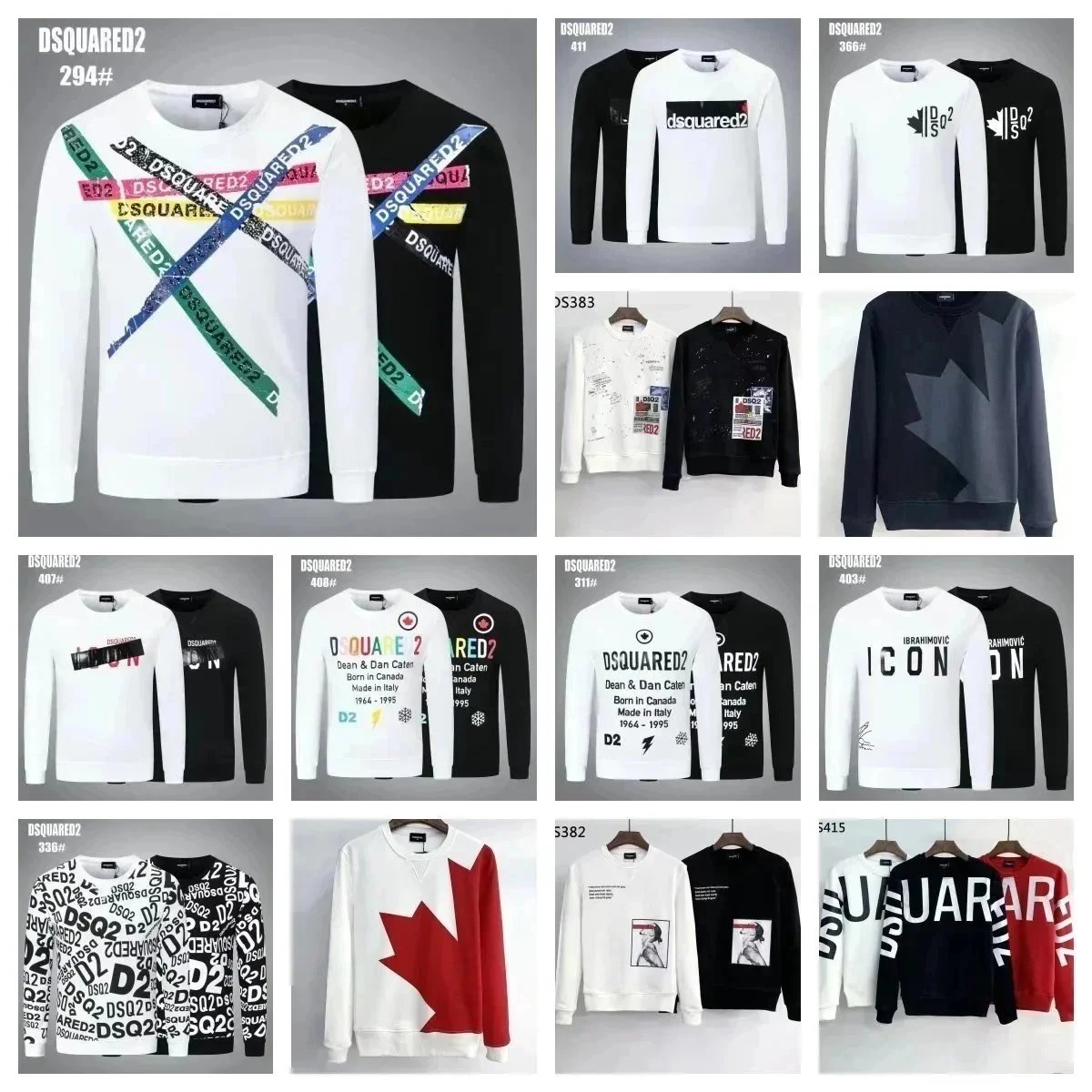
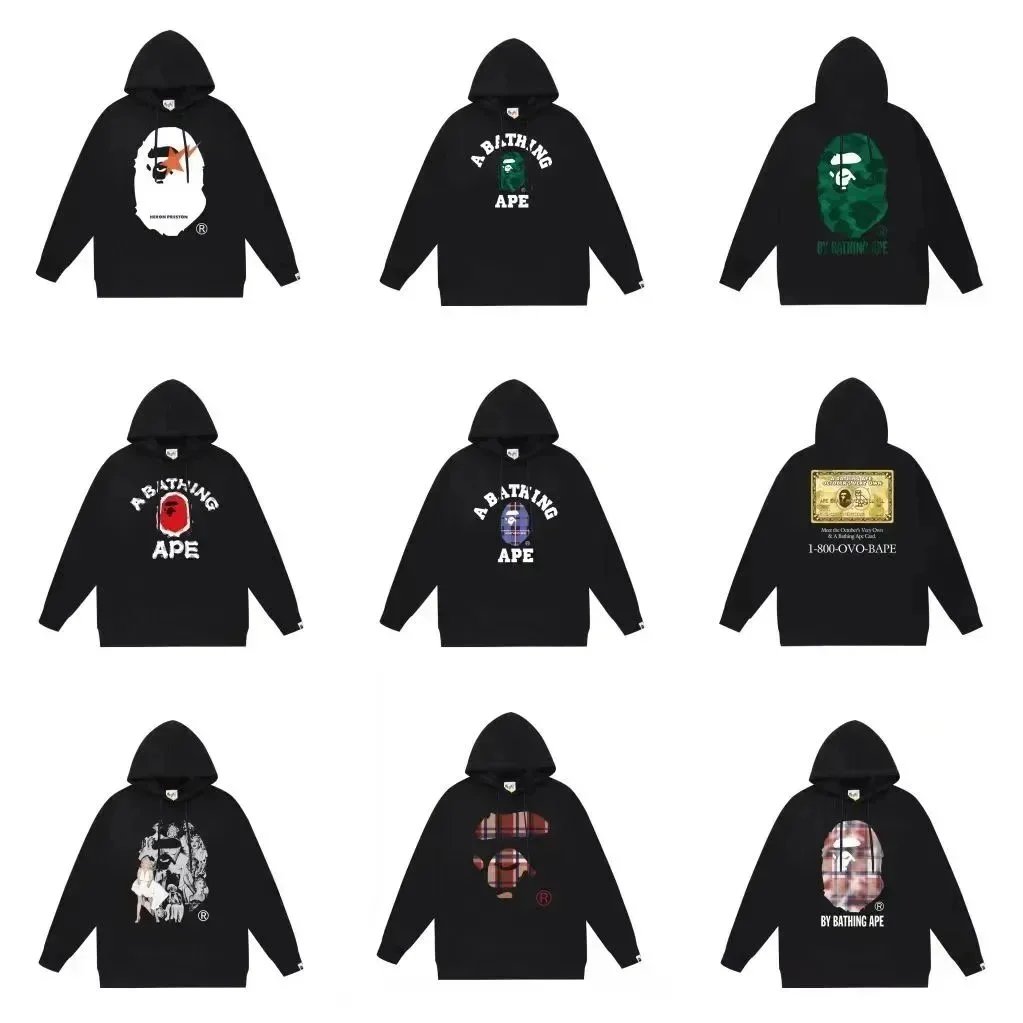
Listed CNY prices are references and exclude agent fees and international shipping. QC images are available for some entries and do not guarantee a future order’s quality.
How to use the HubBuyCN spreadsheet
- 1. Find a productBrowse categories or search by product, brand or Weidian ID. Check the available photos and product details.
- 2. Open on HubBuyCNUse the product link, then confirm the listing, size, color and final price on the agent website.
- 3. Review your orderFollow the agent’s order process. Review any inspection photos for your own order before choosing shipping.
HubBuyCN spreadsheet questions
What is this HubBuyCN spreadsheet?
It is an independent, searchable web catalog of Weidian product links, listed prices and available images. Purchase links on this page are formatted for HubBuyCN. It is not an official HubBuyCN website or a downloadable Google Sheet.
Are these products exclusive to HubBuyCN?
No. CNBuyPicks uses a shared product catalog across its agent pages. Selecting HubBuyCN changes the purchase links; it does not establish that the agent can purchase every listed item. Check availability and restrictions on the agent website.
Does every product have QC photos?
No. Some entries include QC images and others only include listing images. View the product detail page to see which images are available. Existing photos are a reference and do not verify the condition of a future order.
How do I order using HubBuyCN?
Choose a product and open its HubBuyCN link. Confirm the seller listing, variant, price and purchasing restrictions before paying. If a link does not load, check the agent website’s instructions for submitting a Weidian listing URL.
Are prices and shipping costs guaranteed?
Listed prices are catalog references and may change. Agent charges, currency conversion and international shipping are additional and depend on the platform and order. Confirm the final amount on the agent website.
About these HubBuyCN links
Product buttons use the Weidian listing ID to open the corresponding HubBuyCN product URL. If an item is unavailable or restricted, contact the agent before ordering.
Some links include referral codes and may provide CNBuyPicks a referral benefit. No coupon, shipping discount or purchase acceptance is guaranteed.
View all agent spreadsheets →